
Fulton County Jail Mugshots
The most important Fulton County mugshot finding is negative but useful: CCNO's active-offender and booking PDFs show public booking and charge data, but the research did not confirm that the public PDFs display booking photos. CCNO's First 48 Hours page does confirm that photographs are taken during booking for identification. That means a booking photo may exist in the jail file, but it should not be promised as an online roster image.
The safest search path is records-oriented. Use the CCNO Active Offenders PDF to confirm current custody, booking number, charges, court, and status. Use the CCNO Booking Report page for previous-day and previous-seven-day booking snapshots. If a photo is needed and is not visible online, use CCNO's public-records channel and identify the person, booking number, booking date, arresting agency, and case or court.
The booking report screenshot shows where recent booking PDFs are accessed.
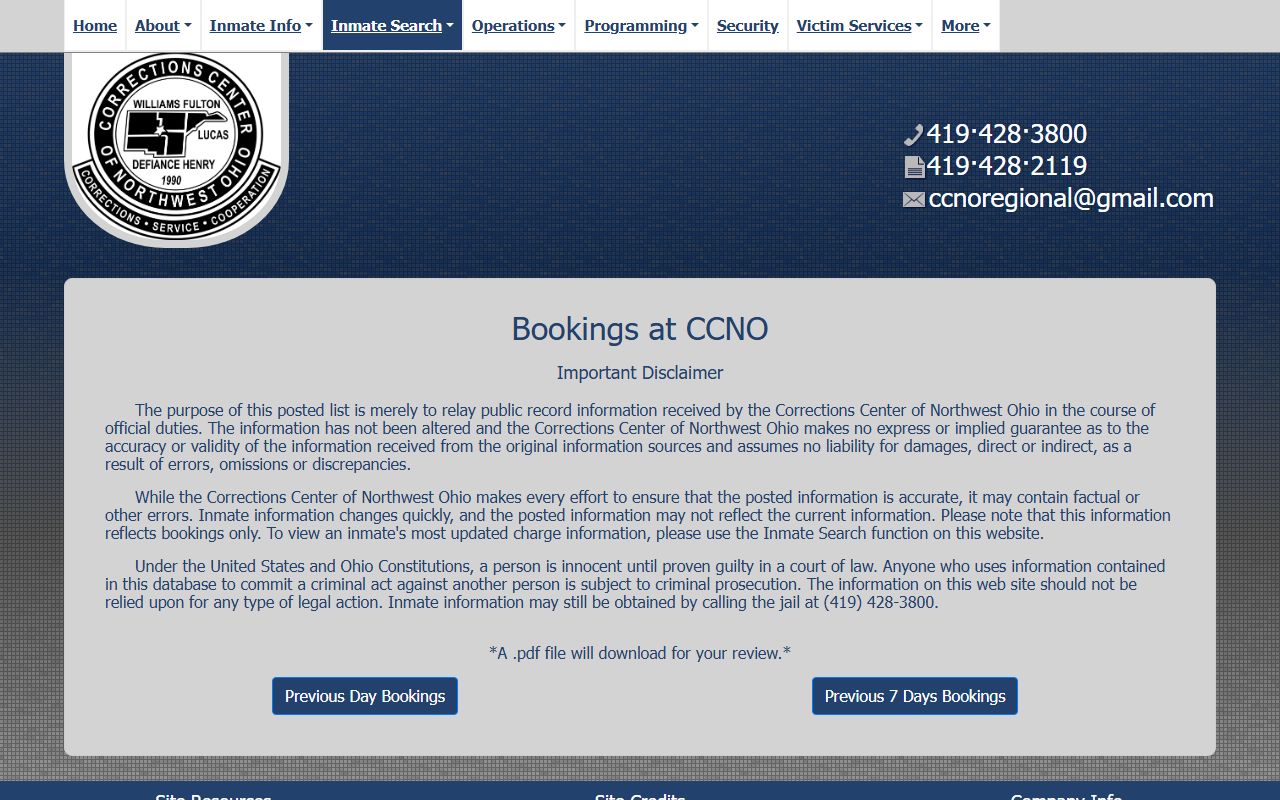
Those reports are useful for locating a recent booking, but CCNO says updated charge information requires the inmate search.
Find Fulton County Booking Photos
A Fulton County booking-photo search should start with identity and custody confirmation. Do not begin with commercial mugshot pages. The official record trail gives better data and avoids pay-to-remove claims. CCNO is the jail system for Fulton County arrests, while the sheriff or court may hold related arrest reports or case filings.
- Open the CCNO inmate search page and review the active offender PDF.
- Use PDF search for the person's name, booking number, arresting agency, court, or case number.
- Check the previous-day and previous-seven-day booking PDFs if the arrest is recent.
- If no public image appears, request the booking photograph through CCNO records.
- For the arrest report, contact the Fulton County Sheriff's Office when deputies made the arrest.
For a related custody record walkthrough, use the Fulton County inmate records page. For filed charges and sealing questions, use the court record rather than the booking report.
Fulton County Booking Fields
The public fields found in CCNO active-offender and booking-report text captures are enough to support a precise records request. A person requesting a booking photo should include the strongest identifiers available. If the photo is withheld or redacted, the response may rely on public-record exemptions, a court order, juvenile limits, investigatory restrictions, or safety concerns.
| Field | What It Shows |
|---|---|
| Booking photo | Photos are confirmed as taken during intake, but no public CCNO PDF image field was confirmed. |
| Name | Last, first, middle or initial format. |
| Booking number | Numeric identifier to include in a records request. |
| Booking date | Date or date and time tied to the jail intake. |
| Arresting agency | Agency tied to the arrest or custody entry. |
| Charge and severity | Charge text and level such as misdemeanor or felony. |
| Court and case number | Where to search formal court records after booking. |
| Status | Pretrial, sentenced, indicted, holder, prison, or similar status. |
Are Fulton County Mugshots Public
Ohio's Public Records Act is the starting point for a Fulton County booking photo request. CCNO's public-records page states that inmate records are public records under Ohio Rev. Code 149.43, but it also lists confidential categories that are not available. Ohio Rev. Code 2927.22 defines a booking photograph and criminal record information in the context of commercial publication and removal practices. Those laws do not mean every photo appears online.
Key statutes:
Ohio Rev. Code 149.43 is the general public-records law for inspection and copying unless an exemption applies.
Ohio Rev. Code 2927.22 defines booking photograph and criminal record information for commercial mugshot publication issues.
The CCNO public-records screenshot shows the jail's own public and confidential inmate-record categories.
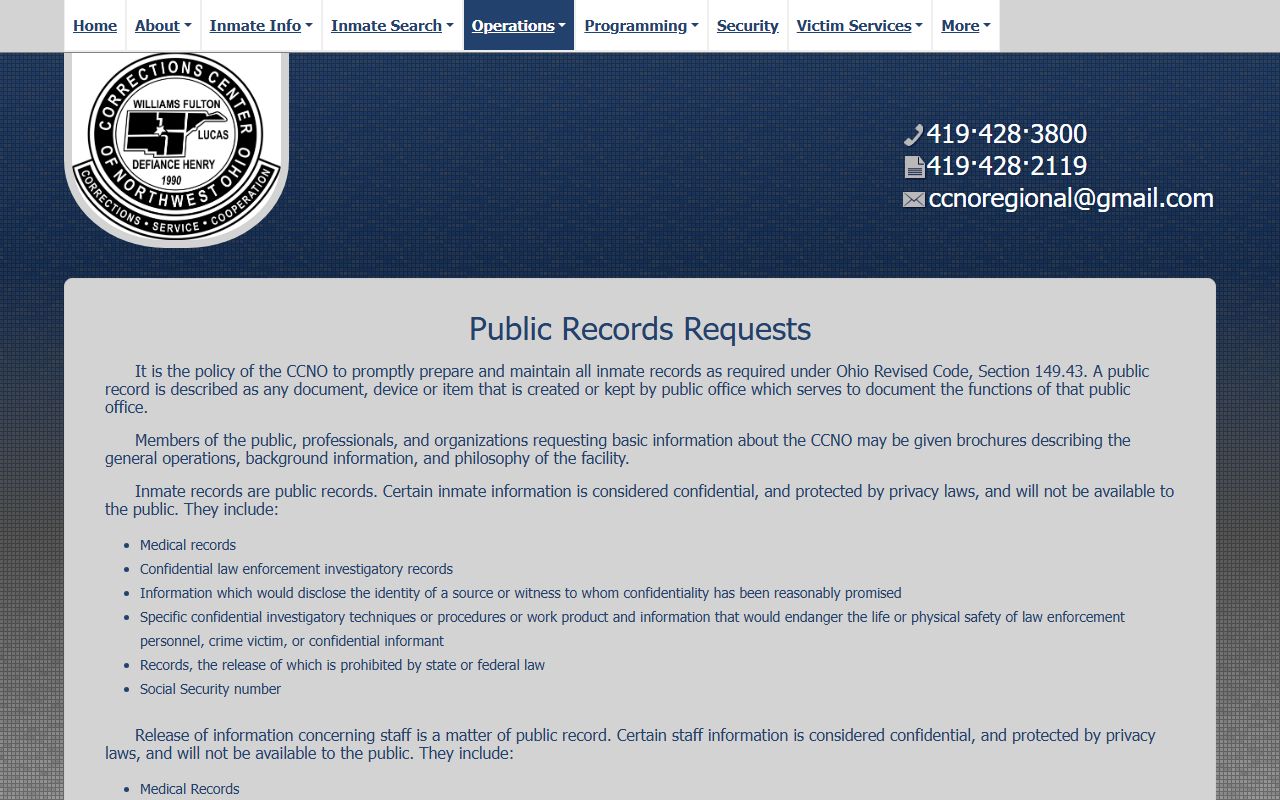
Use that page when a booking photo or older booking record is not available through the active roster.
What Is Not Public
CCNO's public-records page lists several categories that are confidential or unavailable. These include medical records, confidential law-enforcement investigatory records, protected source or witness information, confidential techniques or work product, safety-risk information, records prohibited by state or federal law, and Social Security numbers. A booking photo request may be affected by these limits, especially if the case involves a juvenile, an active investigation, a court order, or a safety issue.
What is and isn't public: The roster may show booking and charge data, but a public mugshot image was not confirmed. Ask CCNO for the booking photograph if the image is needed for a lawful records purpose.
Request Fulton County Booking Photo
A strong public-records request is specific. Identify the person by full name, booking number if known, booking date, arresting agency, and case or court number. State that the request is for the booking photograph or booking record held by CCNO. If the underlying arrest report was generated by the Fulton County Sheriff's Office, contact the sheriff at 129 Courthouse Plaza, Wauseon, OH 43567, or 419-335-4010. If the request concerns prosecution files, the prosecutor's page says criminal-case record requests cannot be honored or completed until after the file is closed.
| Need | Best Channel | Details to Provide |
|---|---|---|
| Current custody and booking number | CCNO roster or 419-428-3800 | Name, date, court, agency. |
| Booking photograph | CCNO public-records request | Name, booking number, booking date, agency, case. |
| Sheriff arrest report | Fulton County Sheriff's Office | Incident date, deputy agency, names, location. |
| Court charge record | Fulton County CaseLook or Clerk | Defendant name, case number, court. |
Fulton County Mugshot Removal
If a booking photo appears on an official government site, removal is controlled by that agency's record-retention rules, public-records duties, and court orders. A dismissal, sealing order, or expungement does not automatically erase every online copy. Start with the court order and ask the originating agency how it applies to the booking record. Court-record questions belong with the clerk or court. For the court side, see Fulton County court records after a jail arrest.
Ohio Rev. Code 2927.22 is the state statute to review for commercial publication and removal practices involving criminal-record information. Do not rely on commercial mugshot sites as official custody sources, and do not treat payment demands as a government process. Official custody status comes from CCNO, ODRC, BOP, ICE, VINE, or the court that controls the case.
Federal ICE Booking Photos
Federal and immigration systems differ from Fulton County jail records. The BOP Inmate Locator searches federal sentenced prisoners from 1982 to present, but it is not a public federal mugshot gallery. The U.S. Marshals Service may have holdover detainees housed in CCNO contract beds, yet federal case information remains separate. The ICE Online Detainee Locator System is a custody locator, not a mugshot site.
The BOP locator screenshot shows the federal search entry point used when the person is in federal sentenced custody.
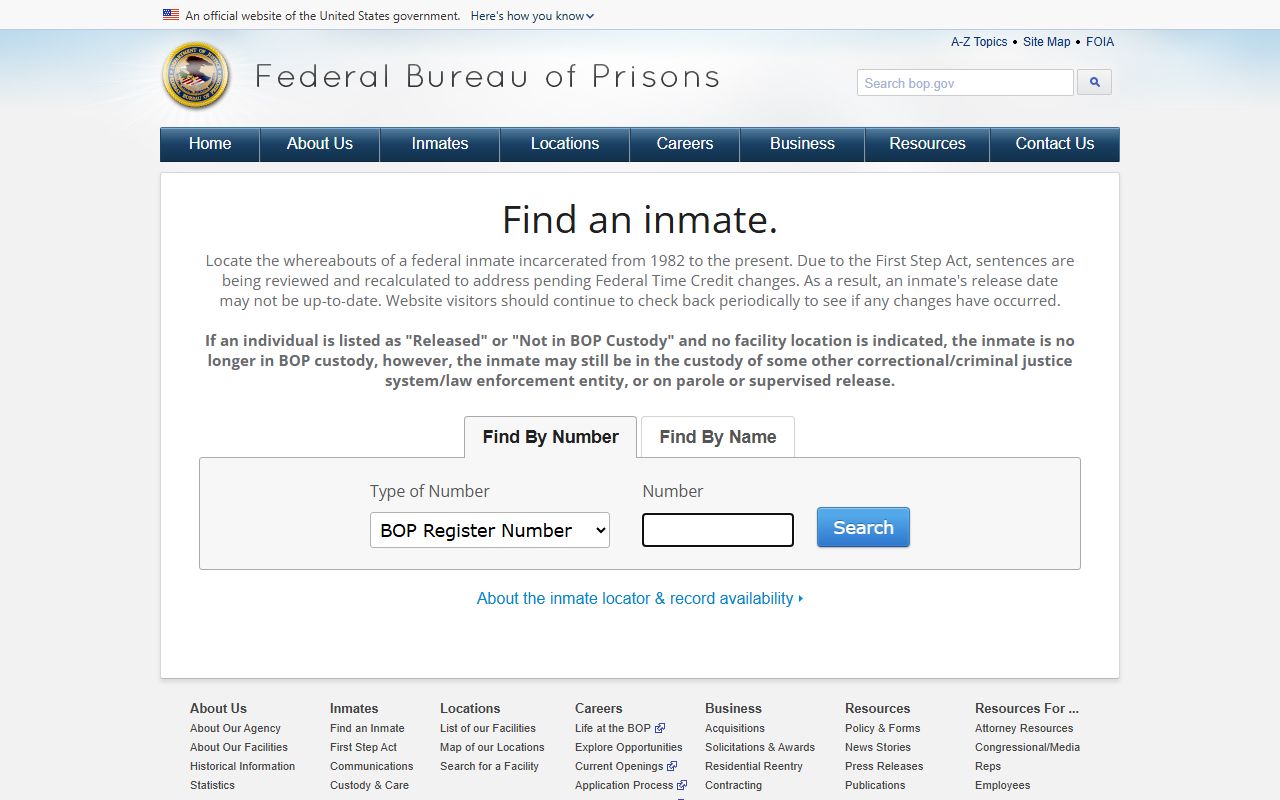
Use federal locators for custody location and release-date information, not for county booking photos.